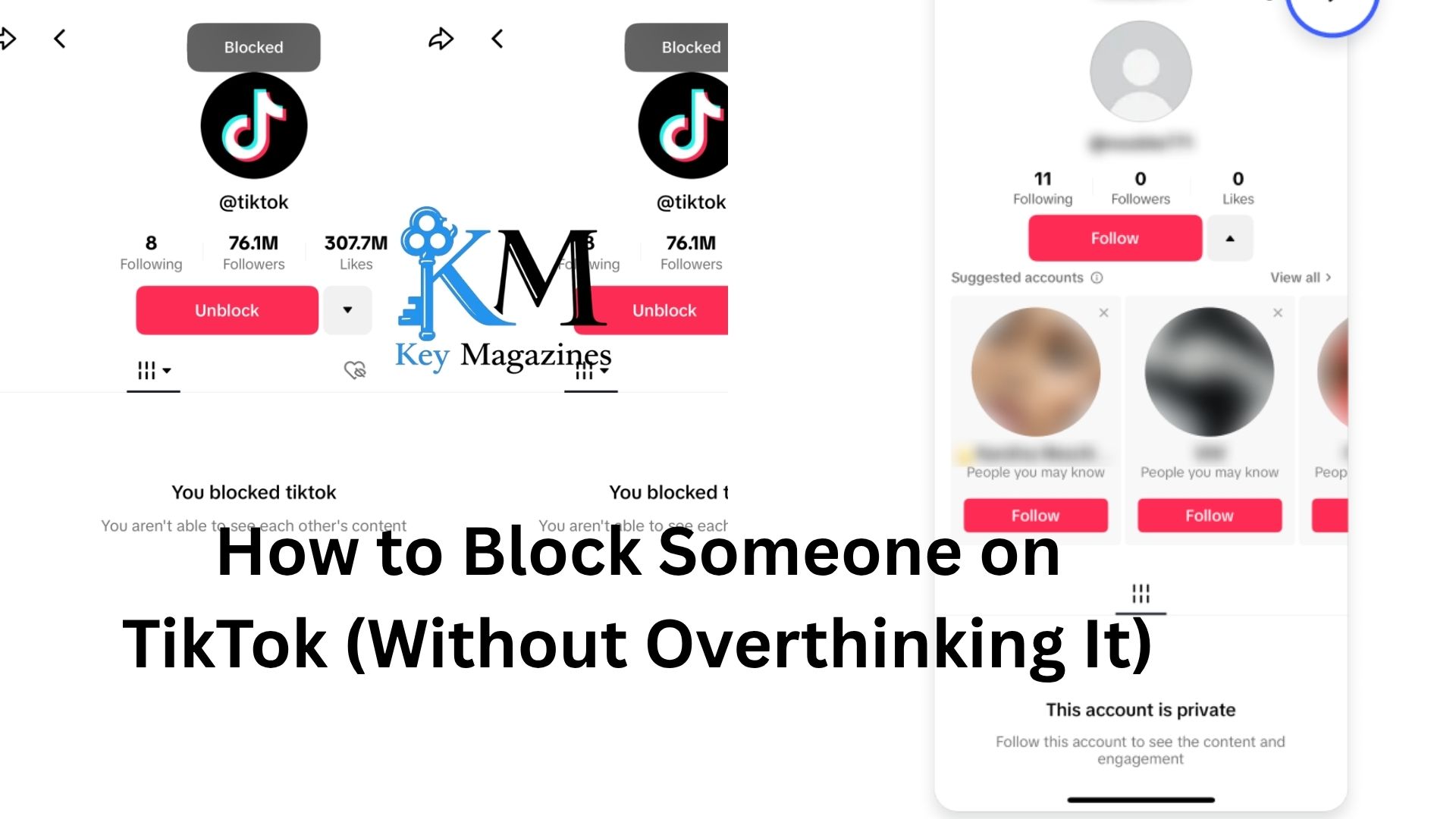
TikTok is fun—until it isn’t. One minute you’re scrolling through recipes or random life hacks, and the next you’re dealing with someone who just won’t leave you alone. Maybe it’s spam. Maybe it’s a stranger getting weird in your comments. Or maybe it’s someone you actually know, and things got… complicated.
Either way, knowing how to block someone on TikTok is one of those small but powerful things that can instantly clean up your online space. It’s quick, it’s private, and honestly, it’s often the simplest solution.
Let’s walk through it in a way that actually makes sense.
The Simple Way to Block Someone
Here’s the thing: TikTok doesn’t make this hard. If you know where to tap, you can block someone in under 10 seconds.
Go to the person’s profile. That’s step one.
Once you’re there, look at the top-right corner. You’ll see a little arrow or three dots icon (depending on your device). Tap it. A menu will pop up. Somewhere in that list, you’ll see “Block.”
Tap it. Confirm it.
That’s it. They’re gone from your TikTok world.
No notification gets sent to them, which is nice. You don’t have to deal with awkward “why did you block me?” messages—at least not directly through TikTok.
What Actually Happens When You Block Someone
Blocking isn’t just symbolic. It changes things in a very real way.
Once someone is blocked:
- They can’t view your profile
- They can’t see your videos
- They can’t message you
- They can’t comment on your content
It’s like you’ve disappeared from their version of TikTok.
Now, let’s be honest—if they log out or use another account, they could still find your content if it’s public. Blocking isn’t a magical invisibility cloak. But for everyday use, it’s effective enough.
And more importantly, it creates distance. That’s often what you actually need.
Blocking From Comments (When You’ve Had Enough)
Sometimes you don’t want to go hunting for someone’s profile. You just want them out—right now.
Picture this: you post a video, and someone keeps leaving annoying or rude comments. Not worth your energy.
You can block them directly from the comment section.
Press and hold their comment. A menu will appear. Tap “Manage multiple comments” or look for a “Block” option depending on your app version. From there, you can block the user instantly.
It’s one of those small features that feels surprisingly satisfying.
Blocking Multiple People at Once
If you’ve ever had a video blow up for the wrong reasons, you’ll appreciate this.
TikTok actually lets you block multiple accounts in one go. It’s designed for situations where you’re dealing with spam or waves of negativity.
Here’s how it works:
Go into your comments section. Tap and hold on one comment, then select “Manage multiple comments.” You can choose several users at once. From there, you’ll see the option to block them all together.
It’s not something you use every day. But when you need it, it saves a ton of time.
When Blocking Feels Awkward
Let’s talk about the part people don’t usually say out loud.
Blocking a stranger is easy. Blocking someone you know? That can feel weird.
Maybe it’s a coworker who found your account. Maybe it’s an ex. Maybe it’s a friend who’s suddenly a little too invested in your posts.
You might hesitate. You might think, “Is this too harsh?”
Here’s the thing: TikTok is your space. You get to decide who’s in it.
Blocking isn’t a dramatic move. It’s a boundary. And boundaries don’t need a big explanation.
If someone makes you uncomfortable—even slightly—that’s already enough reason.
What If You Don’t Want to Fully Block Them?
Blocking is the clean break option. But sometimes you’re not quite there.
Maybe the person is annoying, but not terrible. Or maybe blocking them would cause real-life tension.
TikTok gives you a few softer options.
You can remove their comments. You can filter keywords so their messages don’t even show up. You can also restrict who can comment or message you in the first place.
There’s also the “mute” approach—well, not officially called that on TikTok, but you can limit interactions without going full block.
It’s like turning the volume down instead of shutting the door.
How to Unblock Someone (If You Change Your Mind)
It happens.
You block someone in the heat of the moment, and later you think, “Maybe that was a bit much.”
Unblocking is easy, but it’s slightly less obvious.
Go to your profile. Tap the three-line menu in the top corner, then head into Settings and Privacy. From there, find “Privacy,” and then look for “Blocked accounts.”
You’ll see a list of everyone you’ve blocked. Tap “Unblock” next to the person’s name.
Done.
One thing to keep in mind: unblocking doesn’t automatically restore anything. If you were following each other before, you’ll need to re-follow manually.
A Quick Reality Check About Blocking
Blocking solves access. It doesn’t solve everything.
If someone is genuinely harassing you across multiple platforms, blocking on TikTok is just one piece of the puzzle. You might need to adjust your privacy settings more broadly or even report the account.
TikTok does have reporting tools, and they’re worth using when someone crosses the line.
Blocking is for your comfort. Reporting is for accountability.
Both have their place.
Why People Hesitate (And Why You Probably Shouldn’t)
There’s this unspoken pressure online to be “chill” about everything.
Ignore it. Don’t take it personally. Don’t overreact.
But let’s be honest—constant small annoyances add up. That one person who always leaves snarky comments? It wears on you. The random account that keeps messaging you? It gets old fast.
Blocking isn’t overreacting. It’s efficient.
Think of it like closing a door instead of arguing with someone standing in your hallway. You’re not obligated to engage.
A Small Scenario That Feels Familiar
Imagine you post a video you’re actually proud of. It’s something personal. Maybe a bit vulnerable.
Most people are supportive. A few comments are thoughtful. But then there’s that one user who keeps coming back with sarcastic replies.
At first, you ignore it. Then you delete one comment. Then another.
Eventually, you realize you’re checking your notifications with a bit of tension. That’s your signal.
You block them.
And just like that, the noise disappears.
That’s the real value here. Not just removing a person—but removing the feeling they bring with them.
Keeping Your TikTok Space Yours
TikTok can be chaotic. That’s part of its charm. But your personal experience doesn’t have to be.
You get to shape what you see and who gets access to you.
Blocking is one of the simplest tools for doing that. It’s quick, it’s quiet, and it puts you back in control.
Now, you probably won’t need to use it every day. Most people won’t. But when you do, it’s nice to know exactly how it works—and that you don’t need a big reason to use it.
If someone doesn’t belong in your feed, they don’t belong there. Simple as that.